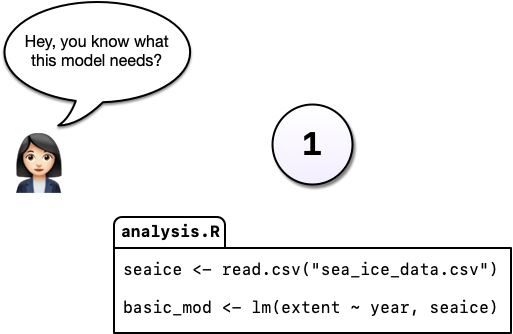
You’re working on an analysis in R and you’ve got it into a state you’re pretty happy with.
We’ll call this version 1.
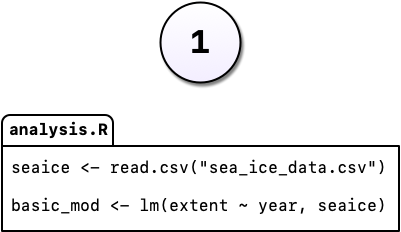
You’re working on an analysis in R and you’ve got it into a state you’re pretty happy with.
We’ll call this version 1.
The next day, you have an email from your boss, “Hey, you know what this model needs?”
You’re not sure what she means but you figure there’s only one thing she could be talking about: more cowbell. So you add it to the model.
But you’re worried about losing the old model. Instead of editing the code, you comment out the old code and put a serious warning in a comment above it.
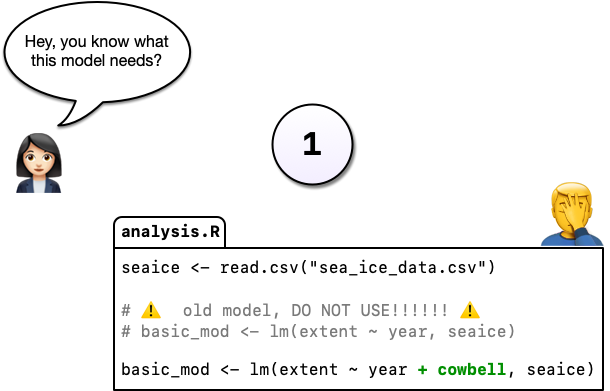
Commenting out code is common, but it’s hard to understand why you did this when you come back years later or you when you send your script to a colleague.
Luckily, there’s a better way: Version control.
Instead of commenting out the old code, we can change the code and tell Git to commit our change. So now we have two distinct versions of our analysis and we can always see what the previous version(s) look like.
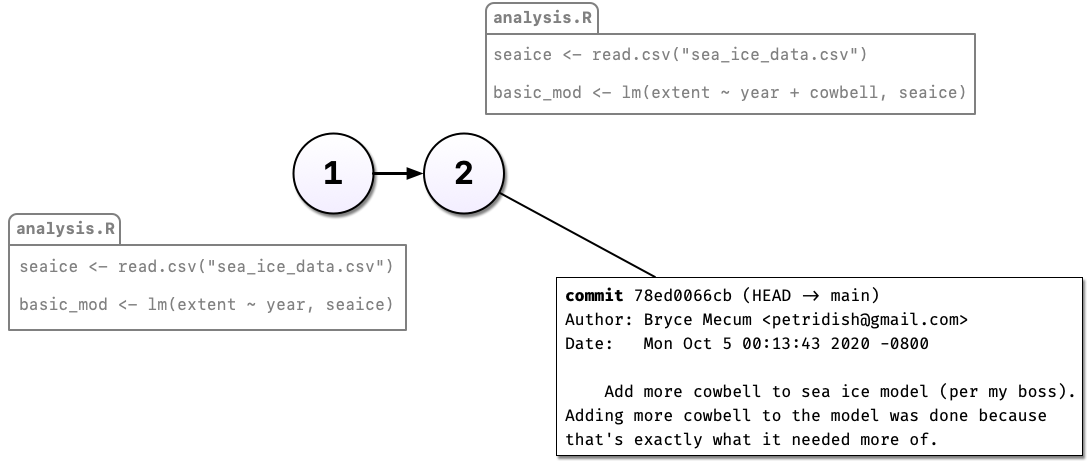 We can also describe the change in the commit message. Git also tracks who, when, and where the change was made.
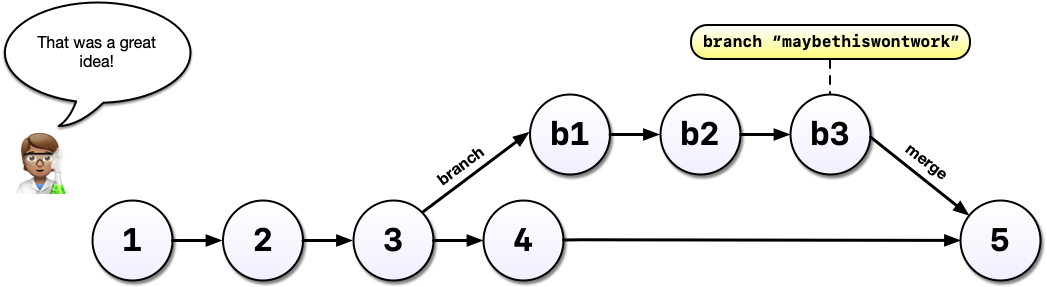
After some time, you’ve committed a 3rd version of your analysis (v3), and a colleague has an idea…
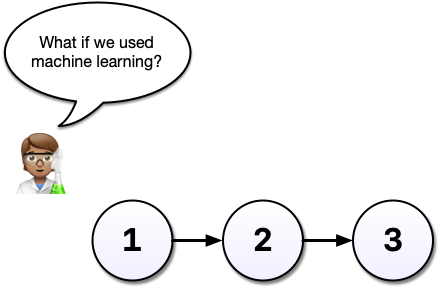
You’re not sure the idea will work - this is where Git shines. Without a tool like Git, we might copy analysis.R to another file called analysis-ml.R which might end up having mostly the same code except for a few lines. This isn’t particularly problematic until you want to make a change to a bit of shared code and now you have to make changes in two files, if you even remember to.
Instead, with Git, we can start a branch. Branches allow us to confidently experiment on our code, all while leaving the old code intact and recoverable.
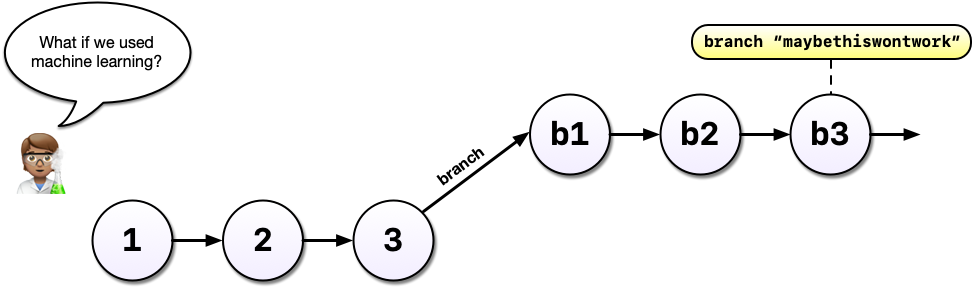
You’ve been working in a branch, made a few commits, and your boss emails again asking you to update the model. Without Git, you might panic because you’ve rewritten much of your analysis to use a different method but your boss wants change to the old method.
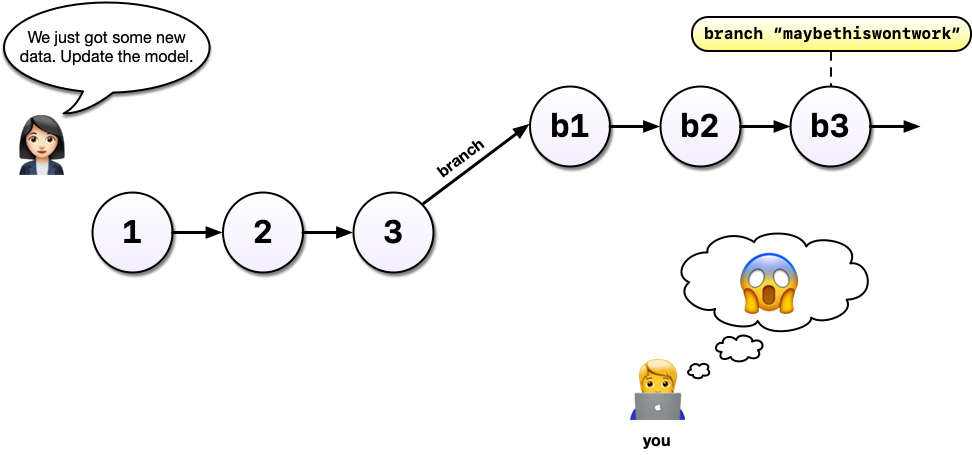
With Git and branches, we can continue developing our main analysis at the same time as we are working on any experimental branches. Branches are great for experiments but also great for organizing your work generally.
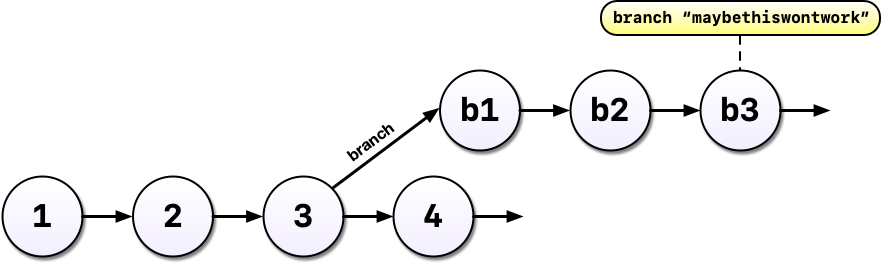
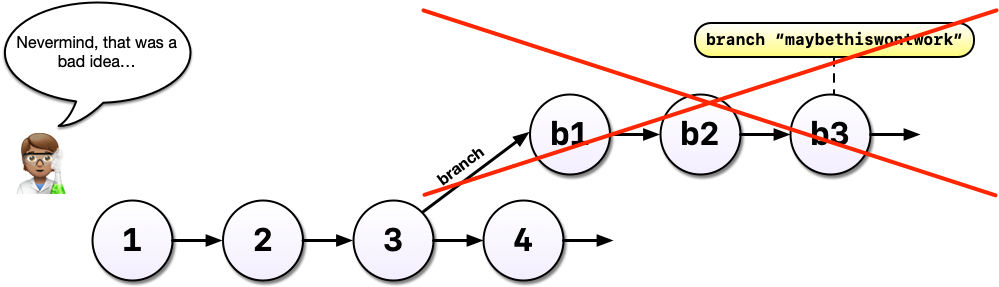
After all that hard work on the machine learning experiment, you decide to scrap it. It’s perfectly fine to leave branches around and switch back to the main line of development but we can also delete them to tidy up.
If, instead, you decided you liked the machine learning experiment, you could also merge the branch with your main development line. Merging branches is analogous to accepting a change in Word’s Track Changes feature but way more powerful and useful.